
Boost Email Marketing Without Tech Skills – Linktree Vs Solo
Growing an audience and building an email list used to mean learning complicated tools or hiring an expert. Now, there are super convenient platforms like Linktree and Solo that give you a direct path from social media profiles right into email marketing, all with zero need for tech skills. Both make it easy to collect emails, but which one actually fits your email marketing goals better?
I’ve tried out both Linktree and Solo for turning curious followers into newsletter subscribers. Both offer smooth integrations and quick setup, even if you’re completely new to marketing. Here’s my guide to how they compare. You’ll find out which is better for people who want a simple, no-fuss email marketing jumpstart.
Quick TL;DR
If you want to quickly boost your email marketing by adding signup links to your social bio, Linktree makes it easy and familiar.
Solo adds robust email collection and personal branding, plus more tools for monetizing your audience.
I recommend Linktree for total beginners and Solo if you want more flexibility or plan to monetize in the future. Both are beginnerfriendly and you won’t need any special tech skills.
What Do Linktree and Solo Actually Offer?
Understanding Linktree
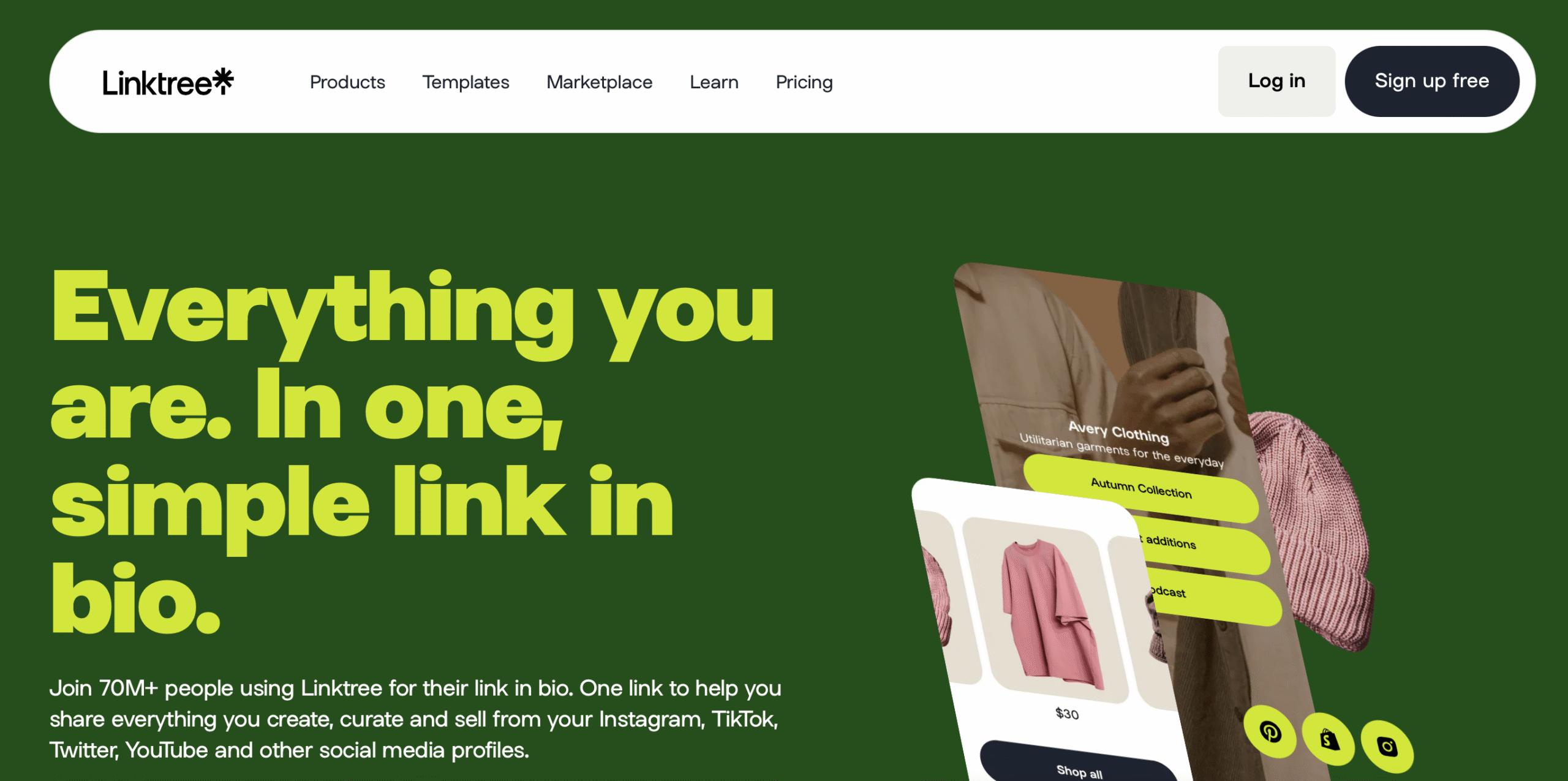
Linktree is probably the best known “link in bio” tool. You set up one page with all your links, such as newsletter sign up, merch, socials, booking, and paste it in your Instagram, TikTok, or Twitter bio. Linktree lets you connect your email marketing platform through forms or integrations, so fans can subscribe without jumping through hoops.
Who Should Consider Linktree?
- First timers building an email list without much experience
- Influencers or creators who want a tidy profile page
- Anyone looking for something plug and play
Linktree Upsides and Downsides
What’s great:
- Free tier works for most beginners
- Super clear dashboard, takes just minutes to set up
- Built-in link analytics to see what’s working
What’s not so great:
- Email collection features are pretty basic
- Branding is limited unless you upgrade to Pro
- Fewer monetization options compared to Solo
Understanding Solo
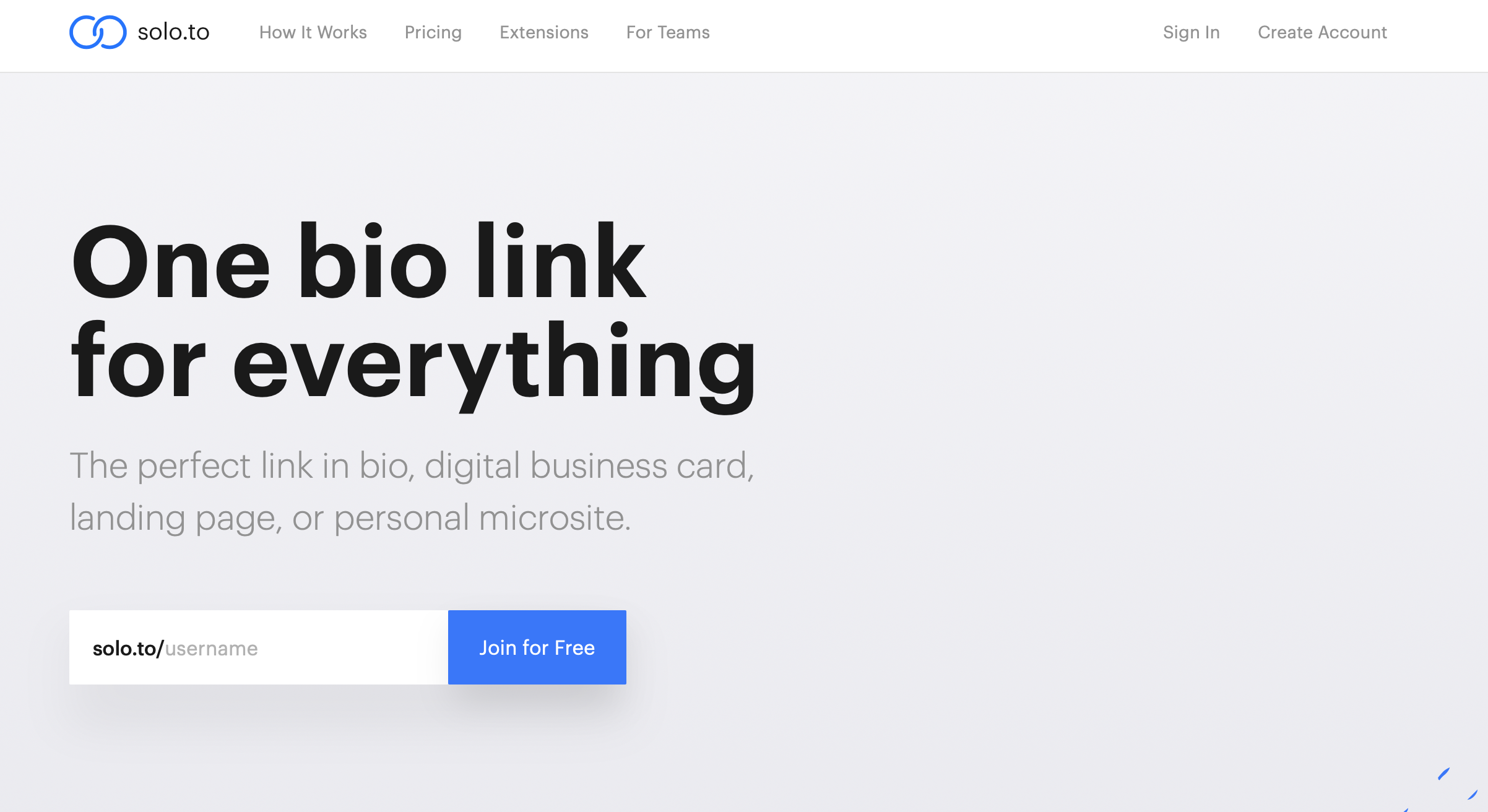
Solo (sometimes called Solo.to) is like Linktree with extra perks for email marketing and making money. You get a personal landing page, but Solo also includes built in email captures, payment buttons, integrations for favorite newsletter tools, and options to customize the look and feel so it reflects your brand.
Who Should Consider Solo?
- Creators who want to collect emails and sell digital products
- Personal brands that want a bit of style freedom
- Anyone serious about growing their email marketing
Solo Upsides and Downsides
What’s great:
- Clean design with more branding options even on free plans
- Easy integrations for email signups and payments
- More advanced analytics on how people use your page
What’s not so great:
- No completely free plan, only a free trial
- Feature set might be overkill for super simple needs
- The dashboard isn’t quite as beginner friendly as Linktree’s
Comparing Email Marketing Features Head to Head
- Email Sign Up Forms
Both Linktree and Solo let you add simple forms where visitors enter their email. Linktree’s is a basic field or integration with newsletter tools (Mailchimp, ConvertKit, etc.). Solo goes a step further with more styling and lets you even tie the signup to a product or lead magnet. - Integrations
Linktree connects with major email services, but you often have to use Zapier for complex workflows. Solo integrates directly with email tools, and can also automate downloads or paid content delivery for new signups. - Analytics
Both give you stats on how many people visit your page and which links get clicked. Solo includes more advanced tracking such as conversion rates. Linktree keeps it simple, which makes reading your stats a breeze if you’re just starting out. - Branding and Customization
With Linktree, you can add a logo and choose some colors. Most of the advanced personalization sits behind a paywall. Solo gives more freedom on free or cheaper plans to match your landing page to your style. - Monetization Add-Ons
Solo makes it easy to add “Support Me” or product purchase buttons. Linktree recently added this, but Solo’s setup is smoother if you plan to turn email subscribers into buyers down the road.
User Experience: Which Is Easier?
Linktree feels like it was made for people with no design skills or tech background. Adding links or a signup is drag and drop and takes a couple of minutes. Solo tries to stay simple, but there are more features to explore, which means a slightly longer learning curve. If you like to tinker and personalize things, Solo is a blast to use. If you want something done fast, Linktree is great.
Plans and Pricing
- Linktree: Free plan with unlimited links, but branded. Paid plans from about $6/month unlock custom branding and extra analytics.
- Solo: 7 day free trial, then a starter plan (beginner) from $1/month and pro plans from $10/month, including more integrations and features.
I used the free tiers for both to test the email signup basics. For most creators just collecting emails, the free or entry level plans work fine. If you want more analytics or customization, Solo is good value for a small monthly spend.
My Experience and Tips
I first tried Linktree for a side project because it came recommended by a bunch of Instagrammers I follow. I was impressed by how fast it worked. Setup in five minutes, and emails started coming in. Later, I tried Solo when I wanted to experiment with ebook sales and got more flexibility on looks and payment features. If you really want to keep things super simple, Linktree is the low effort winner. If you want more control and might sell to your audience, Solo is worth checking out.
Looking for a training platform that actually works?
I’ve put together a full walkthrough of the affiliate marketing training that helped me build everything I have today. It’s practical, beginner-friendly, and you can try it out for free to see if it suits you.
Take a look at my honest review and see if it’s the right fit for you.
Turn Your Passion into Earnings
Get the Tools, Training and Support you need. All in One Place
Join a a Vibrant and Global Community of
Marketers and Entrepreneurs from Around the World
FAQ
Do Linktree or Solo store email addresses for me?
Both capture emails and make them available for download, but connecting an actual email marketing service (like Mailchimp or ConvertKit) automates everything.
Can I use them to send newsletters directly?
Neither lets you send emails or newsletters themselves. They just collect and pass on addresses to your platform of choice.
Will these work for a small business?
Absolutely. Many small brands use these platforms to grow their lists from social media traffic with no coding.
Is upgrading worth it?
If you want custom branding, detailed analytics, or monetization, upgrading makes sense as your audience grows.
Summary
Getting started in email marketing is way less intimidating with tools like Linktree and Solo. Linktree is perfect for no nonsense email capture, while Solo adds great extras if you want more personalization or plan to make money from your audience later.
Action Plan for Getting Started
- Decide what’s most important. Speed, ease, or extra features.
- Sign up for both and try their free plans. See which dashboard feels better for you.
- Add your email capture form and one or two key links.
- Connect to your email marketing platform for automatic list building.
- If you want more customizations or plan to monetize, consider upgrading.
Final Thoughts
Starting or growing your email list can be straightforward with either Linktree or Solo. For most people who want easy setup and familiar workflows, Linktree hits the mark. For those who see email marketing as part of a bigger personal brand, Solo is super useful. Either way, you can make real progress in minutes with zero tech headaches.
Which platform works best for growing your email list: Linktree or Solo? Share your thoughts!
Let’s make it happen!
You may like this post as well “10 Affiliate Marketing Strategy For 2025“